
A no code AI agent builder is a platform that allows users to create AI-powered agents without writing any code. These agents can handle tasks such as answering customer queries, automating workflows, analyzing business data, and making decisions independently. By removing technical limitations, businesses can adopt AI faster and focus on strategy rather than development.
The growth of this space is significant. According to Markets and Markets, the no-code AI platform market is expected to grow from $4.9 billion in 2024 to $24.8 billion by 2029, showing strong global adoption.
Additionally, a Deloitte study reports that 25% of organizations using generative AI will launch AI agent pilots by 2025, and this number is projected to rise to 50% by 2027 due to the rapid rise of agentic AI.
In this blog, we will cover top 8 no code AI agent builders, key benefits, pricing, and more.
Key Takeaways
- AI agent builder platforms help anyone create intelligent agents without coding by using visual interfaces and ready-made templates without having to write even a single line of code.
- No code AI agent builder platforms automate tasks such as customer support, workflow management, marketing, and data processing.
- No-code tools remove technical barriers, making AI development accessible to teams of all sizes and skill levels.
- Discover 8 no code AI agent builder platforms explore their features, pricing, and identify the best fit in real business use cases.
What is a No Code AI Agent Builder?
A no code AI agent builder is a platform that allows users to create and deploy intelligent agents with little or no coding. These tools provide visual interfaces, pre-built templates and components to help businesses automate tasks by integrating them with third-party apps and API’s. It empowers teams to make better decisions in cost optimization and scalability.
For example, a company’s IT team can use a no code AI agent builder to create a virtual assistant that automatically resets passwords, grants software access, and learns from interactions to improve future responses.
8 Best No Code AI Agent Builder Platforms

In today’s AI-driven era, businesses are using no code AI agent builders to automate workflows, build virtual assistants, and integrate AI across departments such as sales, marketing, engineering, and customer support. These platforms simplify repetitive tasks, answer customer queries, data analysis, resulting in increased productivity and controlling operational costs.
Lеt’s еxplorе thе best 8 no-codе AI agеnt buildеr platforms.
1. Microsoft CoPilot Studio
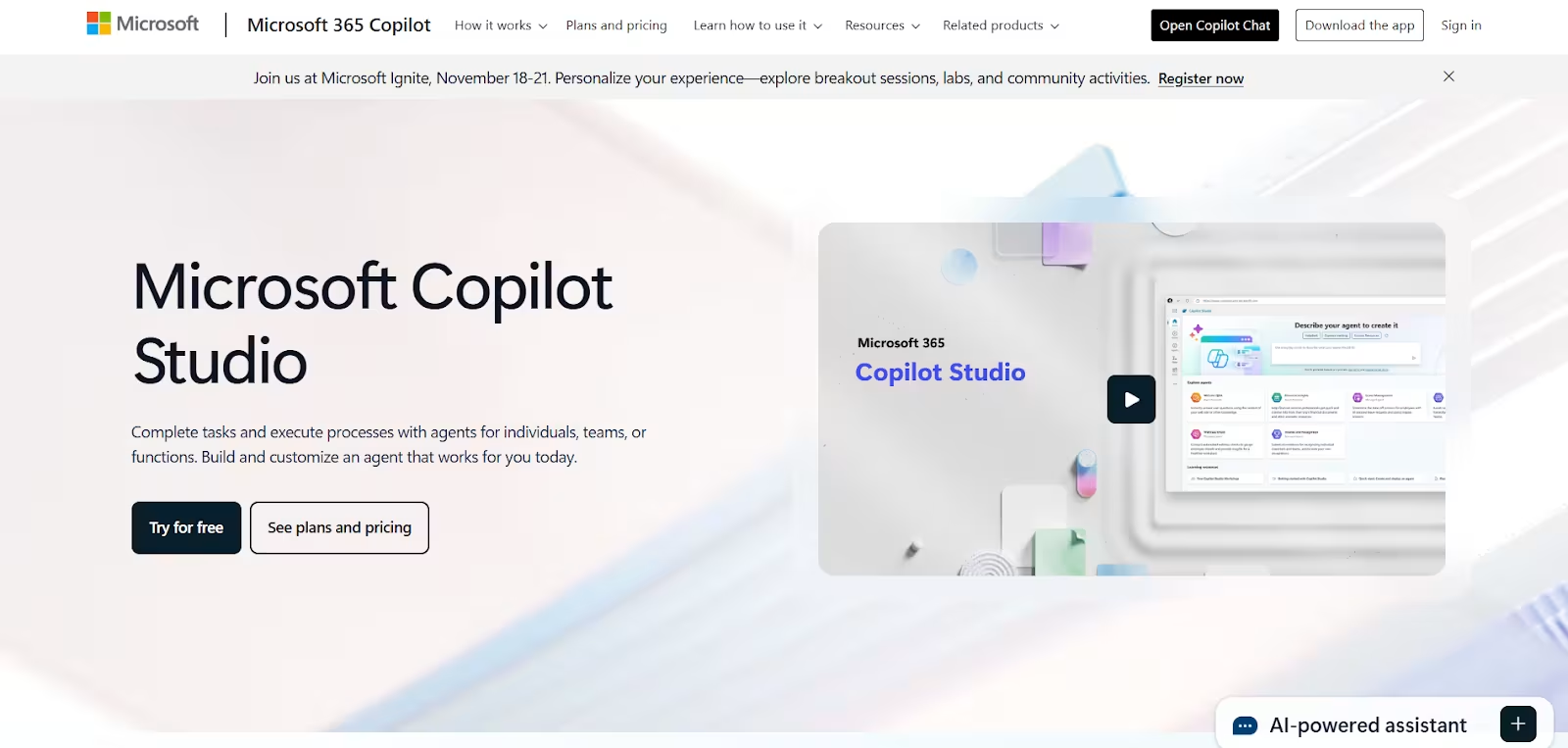
Microsoft CoPilot Studio is one of the most sophisticated no code AI agent builders designed for business productivity within the Microsoft ecosystem. Built to empower professionals who use tools like Teams, Outlook, and Dynamics 365, CoPilot Studio enables seamless agent creation through natural language prompts and drag-and-drop workflows.
CoPilot Studio combines conversational AI with automation capabilities, allowing
to build intelligent agents that not only understand intent but also act on it. With advanced context handling, memory retention, and enterprise-grade security, CoPilot Studio offers a complete environment for building goal-oriented AI systems.
Pros
Here is what makes CoPilot Studio one of the best no code AI agent builders for enterprise users.
- CoPilot has an intuitive, visual interface for creating conversational & task-based agents.
- It allows deep integration with Microsoft products and Azure AI services
- Strong security and compliance (Microsoft 365, Azure identity management)
- Natural language generation of workflows using CoPilot prompts
- Scalable for large enterprises and multi-departmental use
Cons
CoPilot studio comes with several benefits; however, it has a few drawbacks. Let’s look at some of the major limitations of this no code AI agent builder:
- Limited flexibility for non-Microsoft tech stacks
- Slightly steep learning curve for first-time users
- Some advanced features require Power Platform licenses
Pricing: Microsoft Copilot Studio offers a pay-as-you-go plan or a yearly $200 plan with 25,000 Copilot Credits/month.
Best For: Businesses already using Microsoft 365 or Azure tools that want seamless integration with their existing workflows.
2. n8n
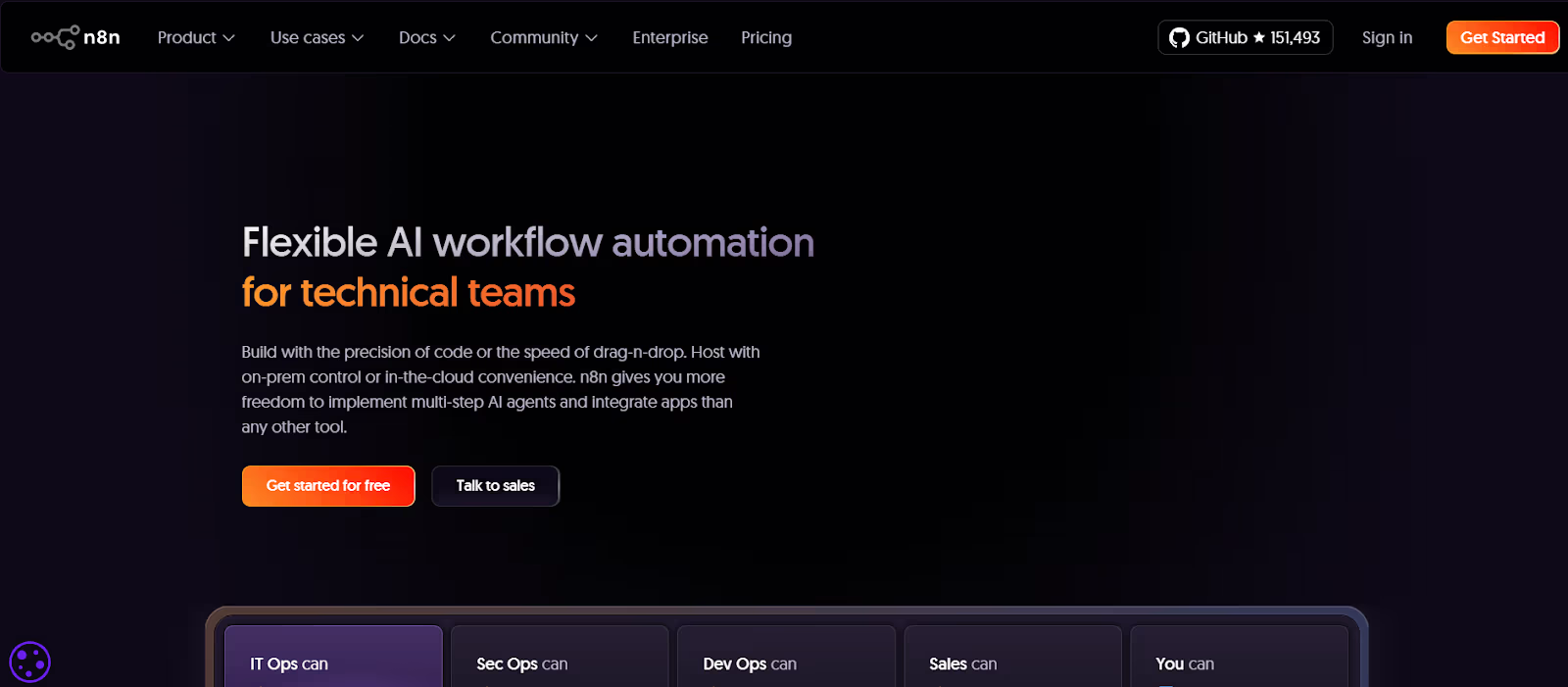
n8n is a powerful open-source automation platform that’s increasingly being recognized as one of the most flexible low-code AI agent builders available. It enables users to visually design workflows that integrate APIs, AI models, and third-party services.
Unlike traditional no-code tools, n8n strikes a balance between simplicity and depth. While you can create entire AI-driven workflows through a drag-and-drop interface, it also supports custom scripting for advanced users, which makes it ideal for both technical and semi-technical teams.
Pros
n8n has gained massive popularity among developers because of its many benefits, such as:
- Open-source and self-hostable, ensuring complete control and data security
- Supports hundreds of integrations with APIs, LLMs, and databases
- Intuitive flow-based builder for designing multi-step automations
- Highly customizable with optional JavaScript nodes
- Excellent community support and documentation
Cons
While n8n offers remarkable flexibility, it comes with a few challenges that users should be aware of.
- Some technical understanding of logic and data flow is required
- The visual canvas can get cluttered for complex workflows
- Limited built-in templates compared to fully no-code competitors
Pricing: n8n pricing starts at €20/month for the starter plan with 2.5k workflow executions, and goes up to €667/month for the business plan with 40k executions; enterprise pricing is custom.
Best For: Teams that want a flexible, open-source automation platform that blends AI logic with traditional workflow automation.
3. Gumloop
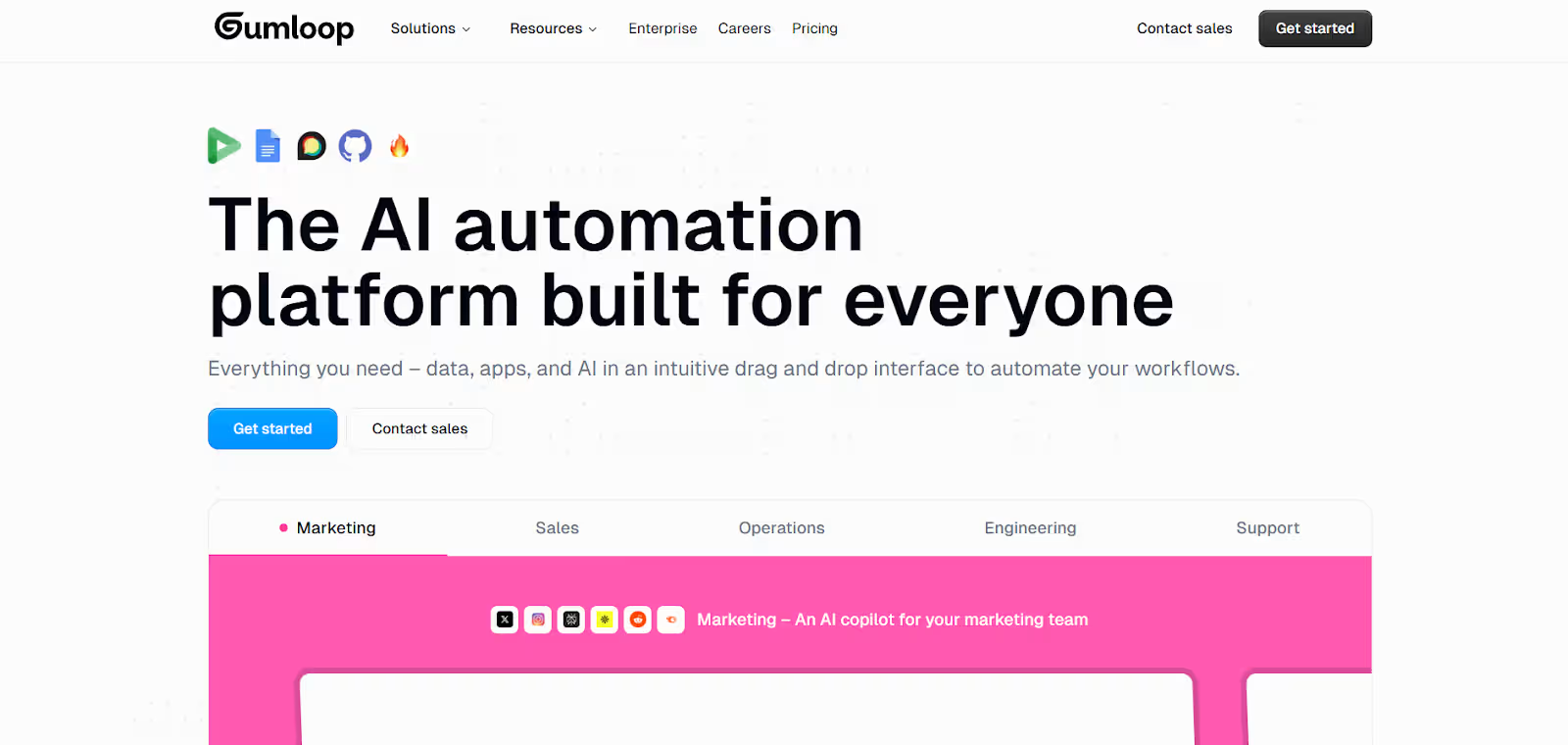
Gumloop is a no code AI agent builder designed primarily for marketing teams, including those handling SEO, advertising campaigns, and web scraping tasks. It provides a highly visual and intuitive platform where users can create complex AI-driven workflows without writing a single line of code.
Gumloop operates through three main components i.e nodes, flows and subflows. Nodes represent different software tools or AI models. Flows, connect nodes to automate processes and subflows, allow users to isolate parts of a workflow for reuse in larger processes.
This modular design makes it incredibly versatile, allowing marketers to automate repetitive tasks such as content scraping, ad optimization, and data aggregation.
Pros
The main benefits of using Gumloop include:
- Visual workflow with nodes, flows, and subflows for modular automation.
- Pre-built templates allow rapid deployment of marketing tasks.
- Freemium plan provides enough credits to explore platform without any cost.
- Automates repetitive tasks, freeing up time for strategic work.
Cons
Gumloop comes with has the following drawbacks.
- Credit-based system may limit high-volume users unless upgraded.
- Some advanced features are only available in higher-tier plans.
Pricing: Free plan offers up to 2,000 credits. paid plans start at $37/month (Solo), $244/month (Team), and enterprise pricing is customized.
Best For: Marketing teams or professionals seeking to automate repetitive workflows, optimize ad campaigns, and improve productivity using AI-driven automation.
4. AutoGPT

AutoGPT is a platform that presents how autonomous agents operate. Originally an open-source project for developers, it now incorporates low-code capabilities that make it more accessible to a broader audience.
This platform allows you to design multi-agent systems capable of reasoning, planning, and executing tasks without constant human input. It’s modular design let users chain different tools, memory systems, and data sources into a cohesive network of agents that collaborate toward common goals.
Pros
AutoGPT provides several benefits. Some of the main benefits include:
- Open-source and highly extensible for advanced customization
- Supports complex, multi-agent orchestration and reasoning
- Huge community ecosystem with plugins and extensions
- Transparent codebase allows self-hosting and modification
- Excellent for experimenting with AI autonomy and goal-driven systems
Cons
Despite its innovation, AutoGPT requires some technical insight to unlock its full power.
- Requires moderate technical knowledge for complex setups
- Occasional reliability issues (e.g., looping behavior)
- Limited user interface, more CLI-focused for advanced tasks
Pricing: Completely free under the MIT license. Costs arise only from API calls to LLMs (like OpenAI) and hosting infrastructure.
Best For: AutoGPT is best for developers and research-oriented teams seeking a customizable, open-source platform for advanced AI experimentation.
5. ChatFuel
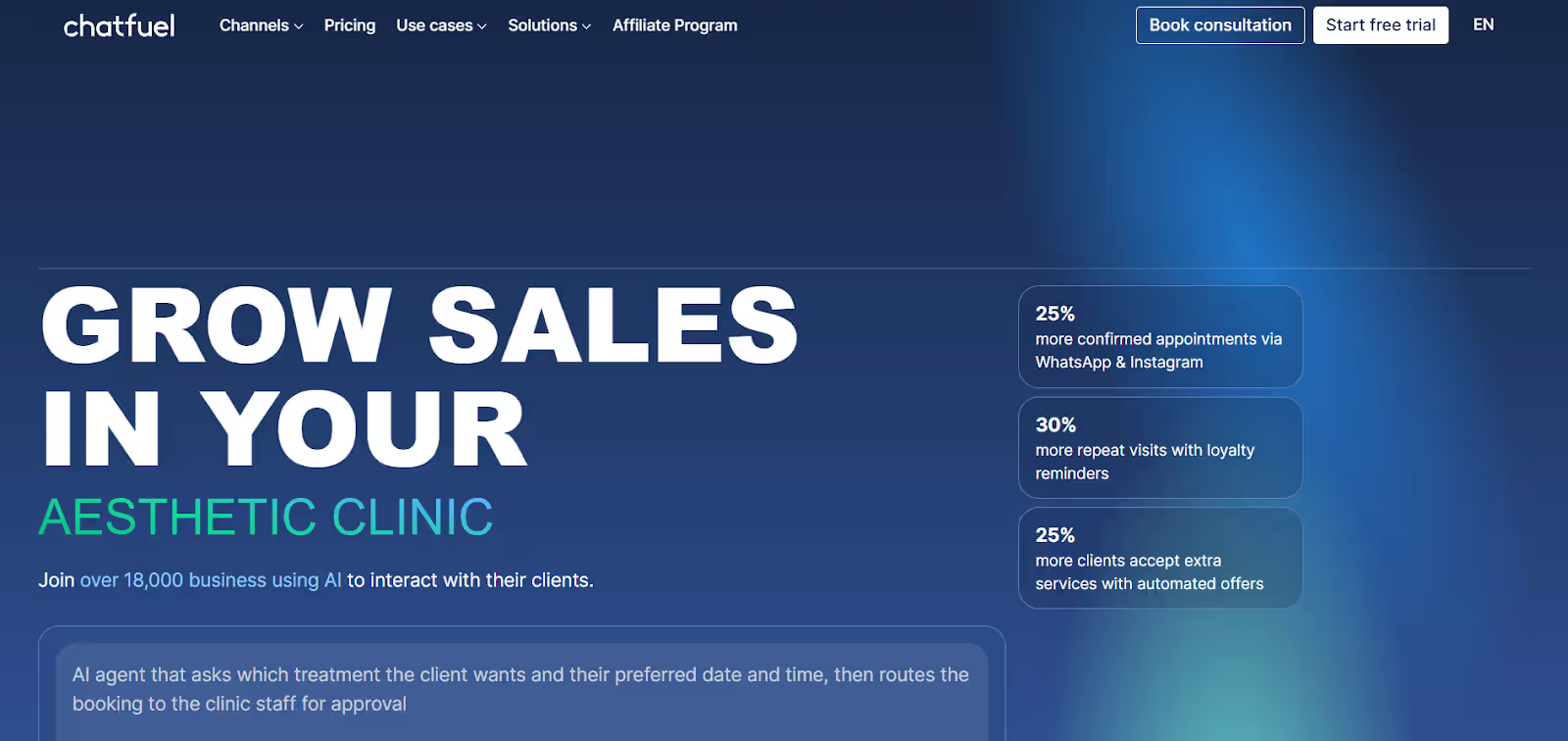
ChatFuel has long been a favorite among marketing and sales professionals looking to automate customer interactions. It’s one of the purest examples of no code AI agent builder, offering an entirely visual interface that requires no programming experience whatsoever.
Designed for creating conversational AI agents, ChatFuel allows businesses to automate lead qualification, customer support, and appointment scheduling. It’s particularly strong in the Meta ecosystem (Facebook, Instagram, and WhatsApp), making it an ideal choice for social-driven engagement automation.
Pros
Here is why ChatFuel continues to dominate the chatbot world.
- True no code builder, no programming skills required
- Easy integration with Meta tools and other popular apps
- Large collection of pre-built templates for fast deployment
- Supports payment processing and CRM connections
- Quick setup for small teams and e-commerce users
Cons
Despite being easy to use, ChatFuel’s simplicity comes with a few limitations
- Narrow focus on marketing and sales workflows
- Limited customization for advanced agentic behavior
- Works best within Meta’s ecosystem; fewer integrations beyond it
Pricing: Chatfuel’s business plan starts from ₹1,019.99/month for 1,000 conversations, with extra conversations at ₹1.02 each. The enterprise plan starts from $400/month.
Best For: Non-technical teams, marketers, and small businesses seeking fast, effective conversational AI without coding.
6. Relay.app
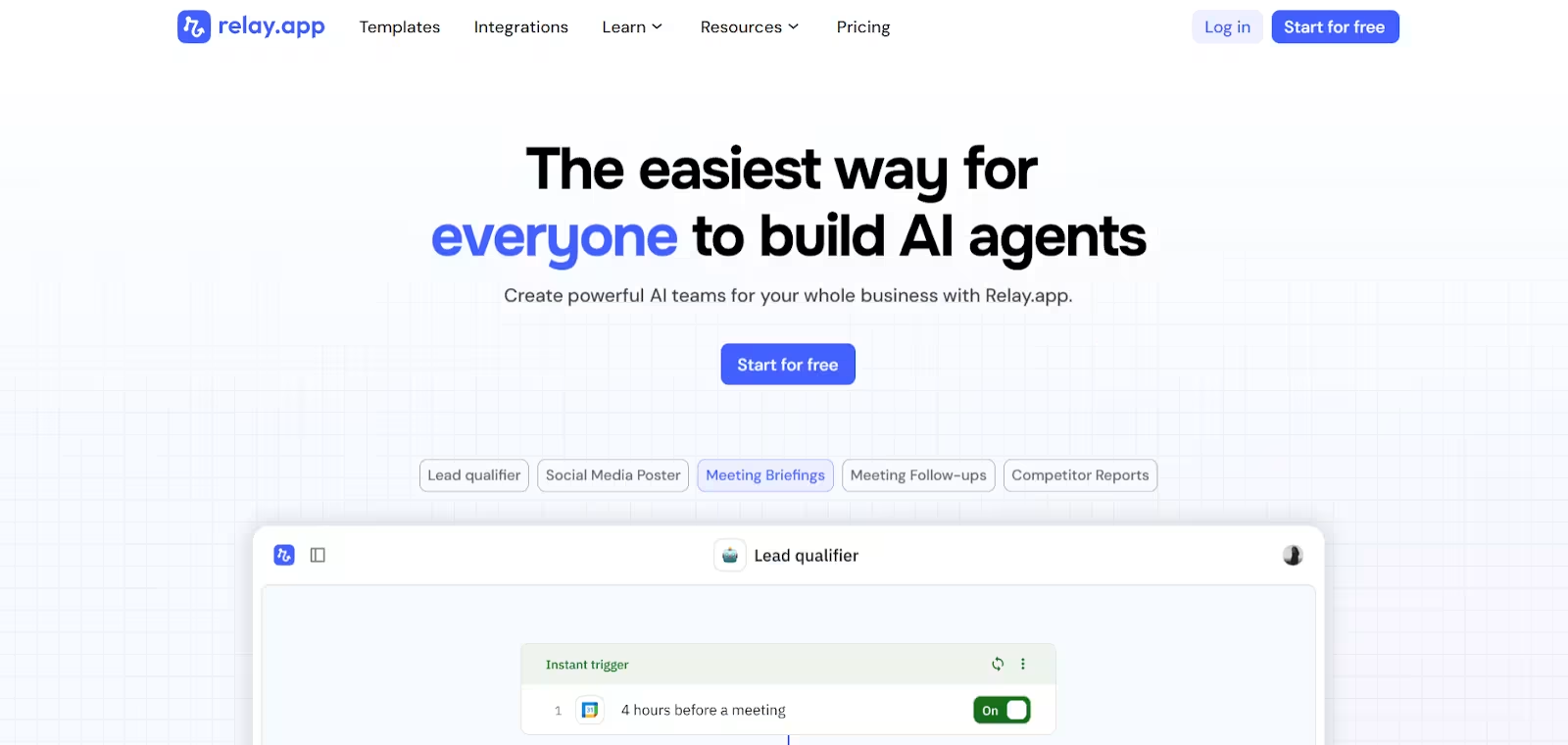
Relay.app is a versatile AI agent builder tailored for agencies, service providers, and customer success teams that need to automate repetitive workflows and manage client interactions efficiently. It provides a clean and visually appealing interface that allows users to build AI-driven agents quickly, without any coding knowledge.
The platform offers extensive app integrations, enabling agencies to connect with the tools they already use, such as CRMs, email platforms, or chat systems. One of Relay.app’s standout features is its inspiration gallery, which provides pre-designed workflow examples and intelligent agents that users can replicate or modify.
Pros
Relay offers several advantages that make it ideal for teams looking to automate AI workflows efficiently.
- Easy-to-use visual interface for building AI workflows.
- Supports multiple integrations for agencies and service tools.
- Inspiration gallery provides pre-built examples for faster adoption.
- Team-friendly with multiple seats for collaborative automation.
Cons
Despite its strengths, Relay also has a few limitations to consider before adopting it for large-scale enterprises.
- Credit-based usage may require careful planning for larger teams.
- Some advanced automations may need higher-tier plans.
Pricing: Relay.app pricing starts with a free plan at $0/month for 1 user and 500 AI credits. Paid plans include professional at $19/month and team at $69/month, with the enterprise plan offering custom pricing and features.
Best For: Agencies, service providers, or customer success teams looking to automate lead management, client workflows.
7. BotPress
BotPress blends the best of both worlds, developer-grade customization with a visual, low-code builder. As one of the most established open-source AI agent frameworks, it is rapidly evolving into one of the top low-code AI agent builders for professional teams.
With its flow-based editor, BotPress lets users create sophisticated chatbots and agents capable of understanding intent, context, and natural language. It also features built-in analytics, and enables teams to optimize agent performance with real-time insights.
Because of its modularity and API flexibility, BotPress is ideal for enterprises that need both control and scalability.
Pros
Let’s look at what sets BotPress apart from other no code AI agent builders.
- Highly customizable open-source platform
- Drag-and-drop flow builder with code extensibility
- Advanced NLP engine and support for external LLMs
- Excellent analytics and conversation insights
- Strong community and plugin marketplace
Cons
Even with its strengths, BotPress comes with some drawbacks.
- Can be complex for non-technical users
- Some enterprise features locked behind higher pricing tiers
- Performance can vary in large-scale deployments
Pricing: BotPress’s pay-as-you-go plan starts at $0/month for 500 messages, 1 bot, 100 MB storage, and 1 user. The enterprise plan starts from $2,000/month on a 3-year term.
Best For: Medium to large teams needing a flexible, open-source agent platform with deep analytics and customization options.
8. IBM Watsonx.ai
IBM Watsonx.ai represents the enterprise-grade future of AI automation. Built for scale, compliance, and versatility, it’s among the most robust no code AI agent builders available for large organizations.
Its AgentLab provides a drag-and-drop editor for creating complex AI agents that interact with data, systems, and users. Watsonx.ai also integrates with IBM’s Knowledge Catalog and Prompt Lab, making it perfect for data-heavy and research-intensive industries.
Where Watsonx.ai truly excels is governance, every interaction, model, and workflow can be tracked, audited, and secured under stringent enterprise policies.
Pros
The IBM Watsonx.ai offers many benefits, including.
- Drag-and-drop builder for agent creation
- Tight integration with IBM’s AI and data management ecosystem
- Enterprise-grade security and governance (GDPR, HIPAA compliance)
- Excellent for building secure, compliant, data-driven agents
- Offers model training, tuning, and monitoring within the same suite
Cons
Despite being a product of IBM, there are a few limitations of Watsonx.ai.
- More complex for smaller teams or startups
- Heavily oriented toward IBM environments
- Requires integration setup for non-IBM tools
Pricing: IBM watsonx.ai’s free plan offers up to 300,000 tokens, 20 compute hours, and 100 documents per month. The standard plan starts from $1,050/month.
Best For: Large enterprises that need a secure, compliant, and highly scalable AI agent builder.
Comparison Table
A brief comparison of the 8 no code AI agent builders, designed to simplify workflow automation and AI-driven tasks. The table below summarizes their key benefits, main limitations, and pricing for easy comparison.
| Platform | Pros | Cons | Pricing |
| Microsoft CoPilot Studio | Easy drag-and-drop, integrates with Microsoft 365/Azure, and scalable | Limited flexibility outside the Microsoft stack | Pay-as-you-go or $200/year (25,000 Copilot Credits/month) |
| n8n | Open-source, flexible, hundreds of integrations, flow-based builder | Requires some technical understanding | Starter €20/month (2.5k executions), Business €667/month (40k executions), Enterprise custom |
| Gumloop | Visual workflows with nodes/flows/subflows, templates for marketing, freemium plan | Credit-based may limit high-volume users | Free 2,000 credits; Solo $37/month, Team $244/month, Enterprise custom |
| AutoGPT | Open-source, multi-agent orchestration, highly customizable | Requires technical knowledge | Free (MIT license); pay for API calls & hosting |
| ChatFuel | True no code, easy Meta integrations, pre-built templates, fast setup | Limited beyond marketing/sales | Business ₹1,019.99/month (1,000 conversations, extra ₹1.02 each), Enterprise from $400/month |
| Relay.app | Easy visual builder, multiple integrations, inspiration gallery, team-friendly | Credit-based usage | Free $0/month (1 user, 500 AI credits), Pro $19/month, Team $69/month, Enterprise custom |
| BotPress | Open-source, highly customizable, NLP & analytics, flow-based editor | Can be complex for non-technical users | Pay-as-you-go $0/month (500 messages, 1 bot, 100 MB, 1 user), Enterprise from $2,000/month |
| IBM watsonx.ai | Enterprise-grade security, drag-and-drop agent builder, IBM integration | Complex for small teams | Free: 300k tokens, 20 CUH, 100 docs/month; Standard $1,050/month |
Conclusion
No code AI agent builders are rapidly changing the way small and large enterprises are using AI agents in workflow automation, driving AI innovation across business verticals. It empowers non-technical teams to automate repetitive tasks without writing a single line of code.
As the no code AI agent builder platform is still maturing, in the future, these platforms will be core to businesses with seamless integration across teams. Thе no-codе AI agеnt buildеr selection dеpеnds on your tеam sizе, tеchnical еxpеrtisе, and spеcific workflow nееds.
Learn to Build an AI Agent & Automate Workflows
A no code AI agent builder platform allows you to create workflow automation and chatbots with pre-built templates, drag and drop functionality, with seamless integration with third-party apps. Whether you are in a technical or non-technical role, knowing how to work with the AI agent builder platform is essential for AI-based solutions.
Be ready for the future, learn how to automate workflows with no code AI agent builders. The masterclass by Interview Kickstart on Build AI agent covers best practices for building scalable, resilient workflows with webhooks, MCP, and more. Get industry-wide insights with a FAANG expert on how AI agent builders are a revolution in small & large enterprises.
FAQs: No Code AI Agent Builders
Q1. Can I build an AI agent without coding?
Yes, you can build an AI agent without coding. No code AI agent builders like ChatFuel, Relay.app, and Microsoft Copilot Studio let you create agents using simple drag-and-drop tools and templates.
Q2. Who can use no code AI agent builders?
Anyone can use no code AI agent builders. They are great for marketers, support teams, and even small business owners who want to automate tasks without hiring developers.
Q3. Are no code AI agent builders helpful for big companies, too?
Many large companies use platforms like Microsoft Copilot Studio or IBM watsonx.ai because they offer strong security and easy integration with business tools.
Q4. Which no code AI builder is best for beginners?
If you are just starting, ChatFuel and Relay.app are great choices. They are simple to use and help you build useful automations in minutes.
Q5. What should I look for when choosing a no code AI agent builder?
When choosing a no code AI agent builder, you should look for a platform that is easy to use, fits your budget, offers good integrations, and matches your business goals.








